
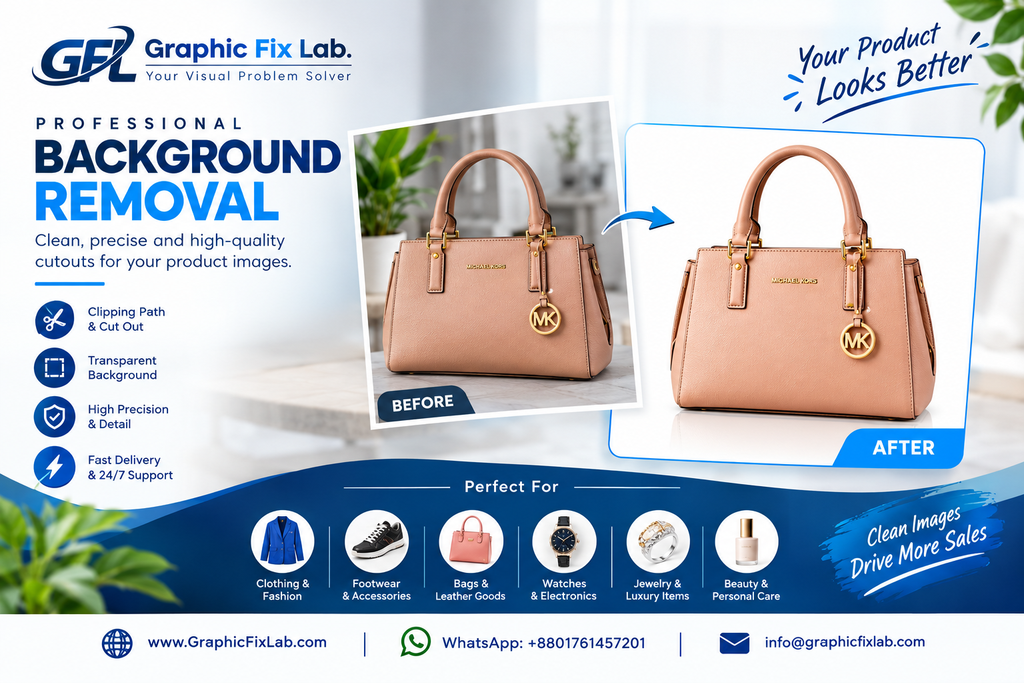
A great product photo can lose its impact when the background is distracting, messy, or simply doesn’t match the purpose of the image.
For eCommerce stores, photographers, fashion brands, product sellers, agencies, and businesses, a clean background helps the main subject stand out and makes the image easier to use across different platforms.
But professional background removal is not simply about deleting a background with one click. The edges need to be clean, small details need to be preserved, and the final image should still look natural.
At Graphic Fix Lab, we help businesses and creative professionals turn ordinary images into clean, professional visuals that are ready for websites, online stores, catalogs, advertisements, and social media.
In this guide, you will learn what background removal is, why it matters, which types of images need special attention, how professional editors handle difficult edges, common mistakes to avoid, and how a professional background removal workflow can make your image production easier.
What Is Background Removal?

Background removal is the process of separating the main subject of an image from its original background.
Once the subject has been isolated, the original background can be completely removed, replaced with white, made transparent, or changed to another background depending on the purpose of the image.
For example, a product photographed on a table can be isolated and placed on a clean white background for an eCommerce store.
A fashion model photographed outdoors can be separated from the environment and placed on a studio-style background.
A product with a complex shape can also be carefully cut out while preserving its important edges and details.
The goal is not simply to remove everything around the subject.
The goal is to create a clean, accurate, and natural-looking cutout.
Why Background Removal Is Important
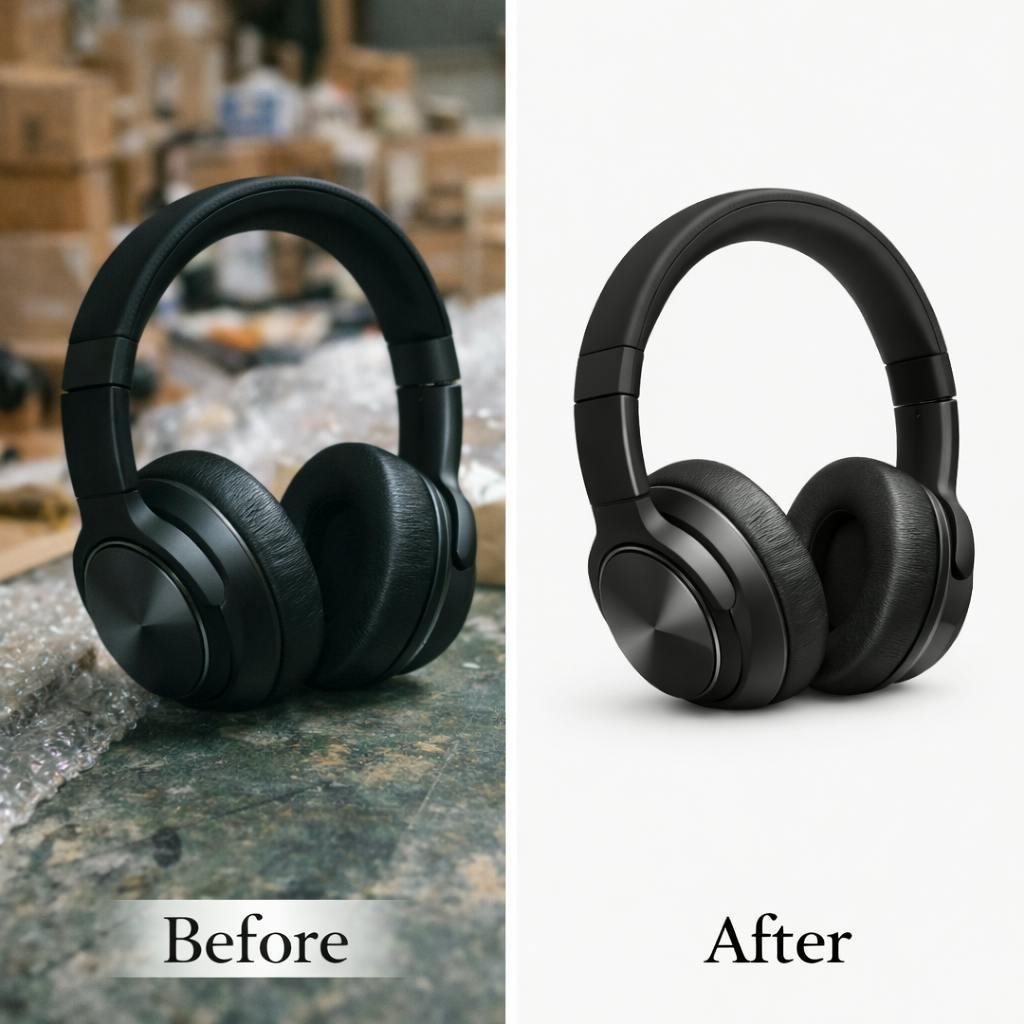
Keep Attention on the Product
A busy background can compete with the product for attention.
When unnecessary elements are removed, customers can focus more easily on the product itself.
This is especially useful for online stores where product images need to communicate the item clearly within a few seconds.
Create a Professional Appearance
Consistent backgrounds can make a product catalog look more organized and professional.
If one product has a bedroom background, another has a table, and another has an outdoor scene, the overall store can look inconsistent.
A consistent background treatment helps create a more unified visual presentation.
Make Images More Versatile
Once a subject is isolated, the same image can be used in many different ways.
The cutout can be placed on:
- White backgrounds
- Transparent backgrounds
- Colored backgrounds
- Website banners
- Social media designs
- Advertisements
- Catalog layouts
- Promotional graphics
Improve Product Presentation
Customers cannot physically examine most products before buying online.
The image therefore needs to show the product clearly.
A clean cutout removes unnecessary distractions and gives the product more visual focus.
Support eCommerce Requirements
Many online marketplaces and eCommerce websites use specific image requirements.
Clean product cutouts can make it easier to prepare images for product listings, catalogs, promotional materials, and different digital platforms.
Common Background Problems in Product Photos
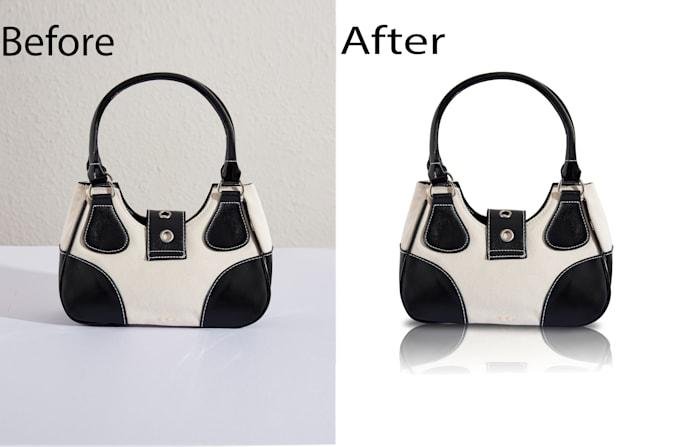
Not every background removal project is difficult for the same reason.
Different images create different challenges.
Busy or Distracting Backgrounds
Products are often photographed in real environments.
Tables, rooms, people, plants, furniture, and other objects can distract from the main subject.
Rough or Jagged Edges
A quick selection can leave rough edges around products.
This becomes particularly visible when the cutout is placed on a completely different background.
White Halo Around the Subject
One common problem is a thin white or light-colored outline around the product.
This usually happens when the original background is not removed properly.
Missing Fine Details
Small parts of a product can accidentally disappear during background removal.
This can happen with thin wires, chains, straps, small accessories, or detailed product edges.
Hair and Fur
Hair and fur are among the most difficult elements to isolate cleanly.
Every strand does not necessarily need to be visible, but the overall edge needs to look natural.
Transparent or Semi-Transparent Objects
Glass, bottles, transparent packaging, and similar objects can require a more advanced editing approach because the background may be visible through the subject.
Types of Background Removal Services
Basic Product Background Removal
Suitable for products with simple and clearly defined edges.
Examples include:
- Shoes
- Bags
- Electronics
- Boxes
- Furniture
- Cosmetics
- Household products
Complex Background Removal
Some products have complicated shapes or fine details that require more careful editing.
These may include:
- Jewelry
- Accessories
- Plants
- Decorative products
- Products with thin parts
- Products with multiple components
Hair and Fur Background Removal
Images containing hair, fur, feathers, or soft edges require more detailed masking and refinement.
This is commonly needed for:
- Fashion photography
- Portraits
- Beauty photography
- Pet photography
- Fashion products
Transparent Object Background Removal
Glass bottles, transparent packaging, sunglasses, and similar objects can require specialized editing to preserve transparency and realistic appearance.
Model Background Removal
Fashion brands, photographers, agencies, and creative professionals may need people isolated from their original environment.
The editor needs to carefully handle hair, clothing, accessories, and body contours.
Background Removal for eCommerce
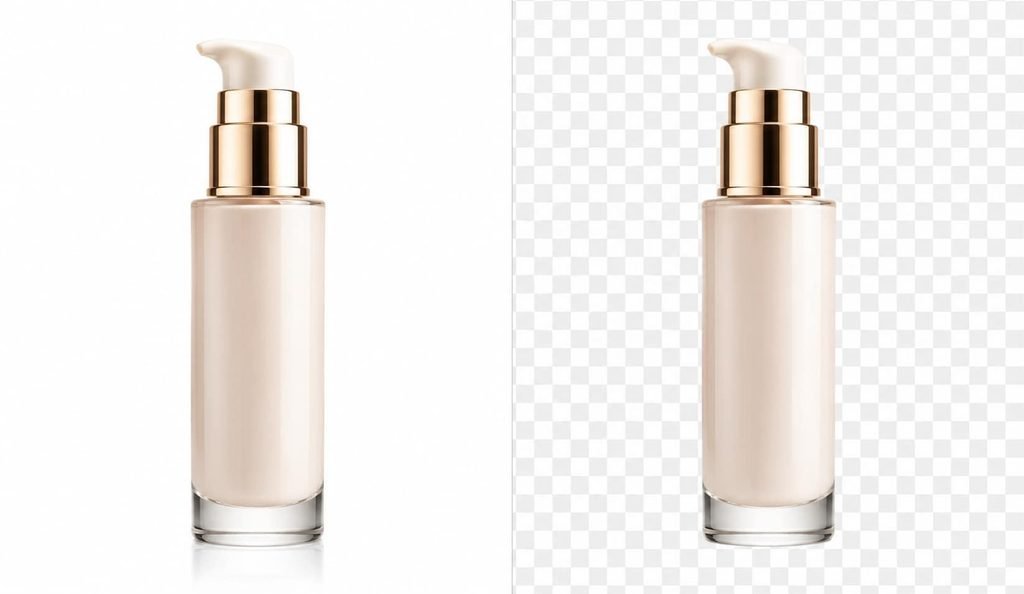
For eCommerce businesses, product images are one of the most important parts of the shopping experience.
A customer may never see the physical product before placing an order.
The product image therefore needs to be clear, consistent, and easy to understand.
Professional background removal can help create:
Clean Product Listings
Products can be displayed without distracting surroundings.
Consistent Catalog Images
Different products can follow the same background style.
Flexible Marketing Assets
Isolated products can be reused in banners, advertisements, social media graphics, and promotional materials.
Better Visual Organization
A consistent image style can make an online store feel more organized and easier to browse.
Background Removal for Fashion Photography
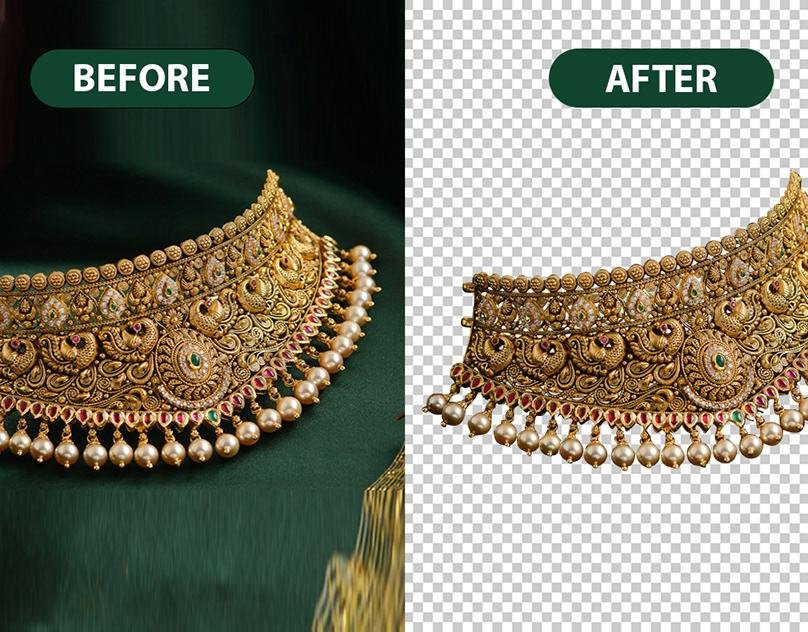
Fashion images often require more than a simple product cutout.
Hair, clothing, accessories, fabric edges, and body contours all need careful attention.
A poor selection around the hair can make the subject look unnatural.
Similarly, cutting into clothing or removing small fabric details can change the appearance of the original photograph.
Professional background removal focuses on keeping the subject recognizable and natural while separating it from the original environment.
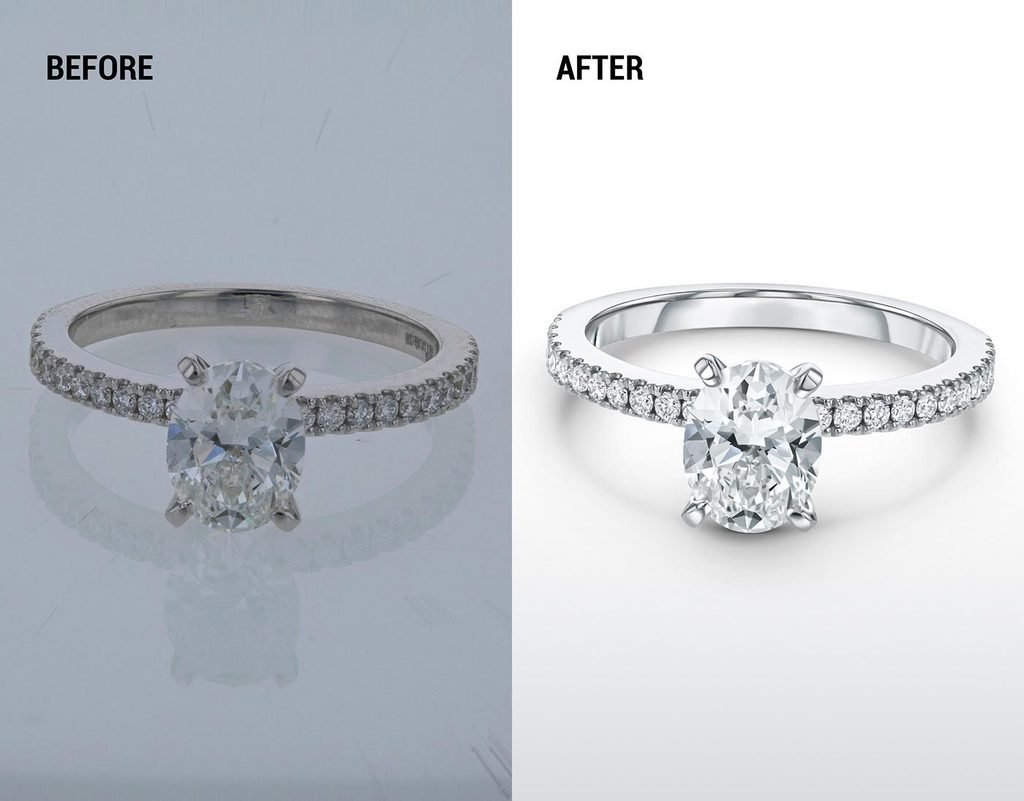
Background Removal for Jewelry & Detailed Products
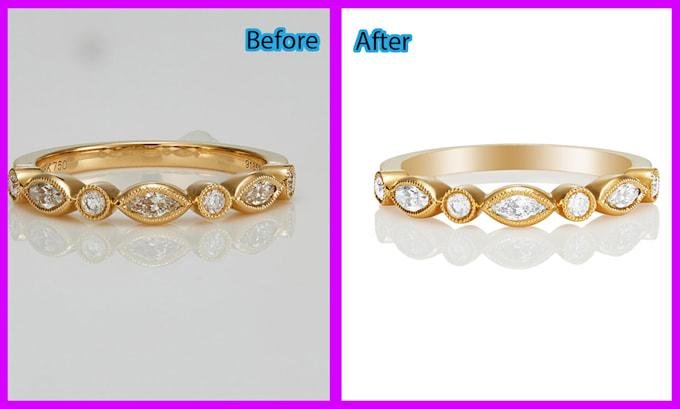
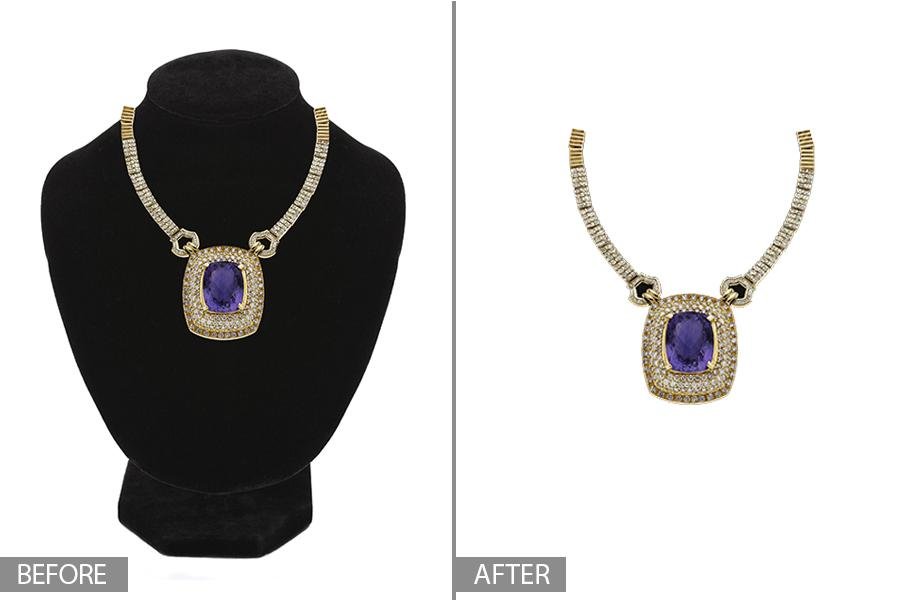
Jewelry can be particularly challenging because of its small and intricate details.
Chains, stones, prongs, thin metal sections, and reflective surfaces require careful attention.
For jewelry businesses, the objective is to remove the unwanted background without damaging the visual details that make the product attractive.
A clean jewelry cutout can then be used for product listings, catalogs, advertisements, website banners, and promotional designs.
Step-by-Step Background Removal Process
Step 1: Image Inspection
Before editing begins, the image is examined to understand the subject, background, edges, and level of complexity.
This helps determine the most suitable editing method.
Step 2: Subject Selection
The main subject is carefully separated from the background.
For simple products, a precise path may be enough.
For complex subjects, masking and additional techniques may be required.
Step 3: Edge Refinement
After the initial selection, the edges are checked carefully.
Extra attention is given to:
- Hair
- Fur
- Thin objects
- Clothing
- Jewelry
- Small product details
Step 4: Background Removal
The unwanted background is removed according to the client’s requirements.
The final image may have a transparent background, white background, or another requested background.
Step 5: Quality Check
The image is reviewed at different zoom levels.
The editor checks for:
- Rough edges
- White halos
- Missing details
- Remaining background pixels
- Unnatural selections
Step 6: Final Delivery
The finished image is exported according to the required format, dimensions, and background specification.
Get a Free Sample Test
Graphic Fix Lab
Your Visual Problem Solver
📧 info@graphicfixlab.com
🌐 www.GraphicFixLab.com
💬 WhatsApp: +8801761457201